A screenshot walkthrough of UnderLimit 1.6 using sample files. AI narration by OpenAI Cedar, with original instrumental music.
Read the transcript
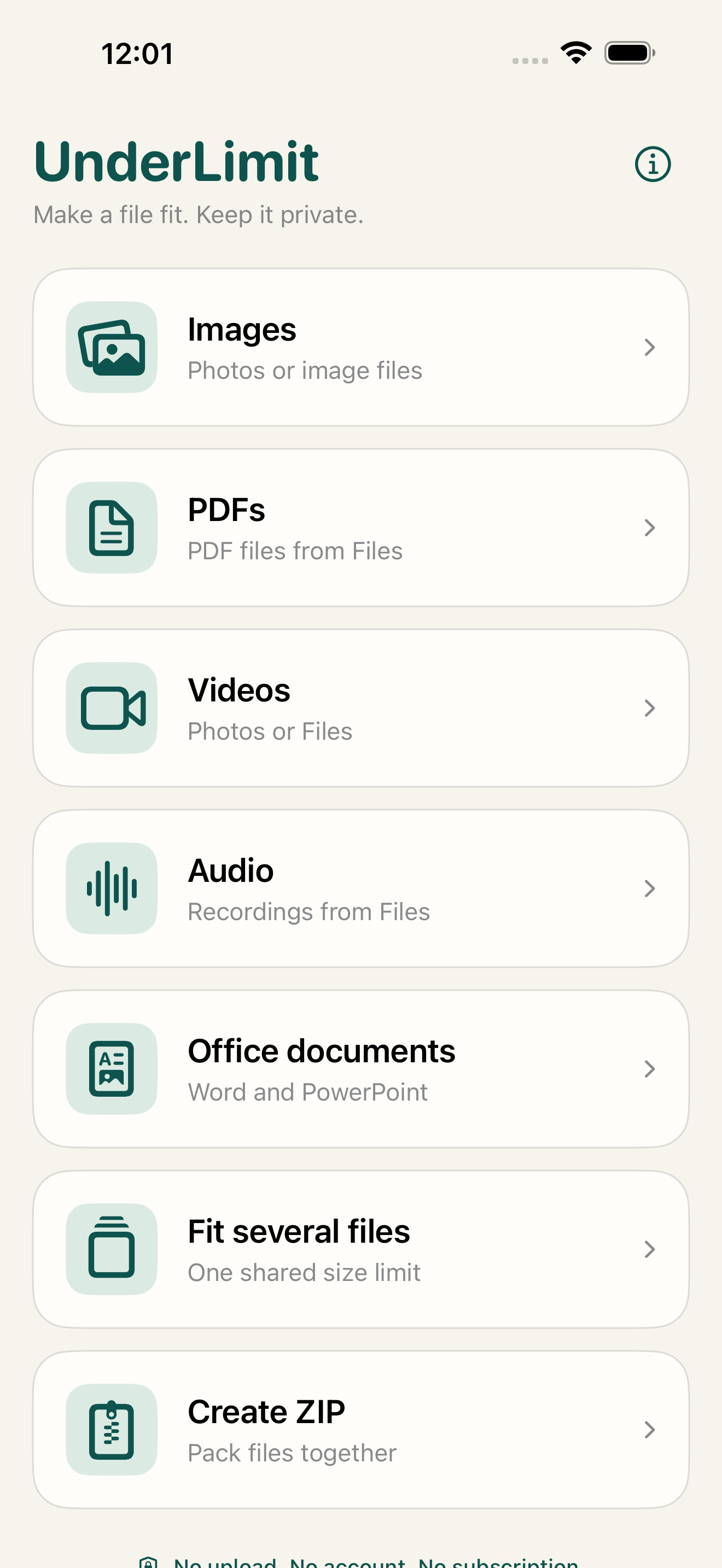
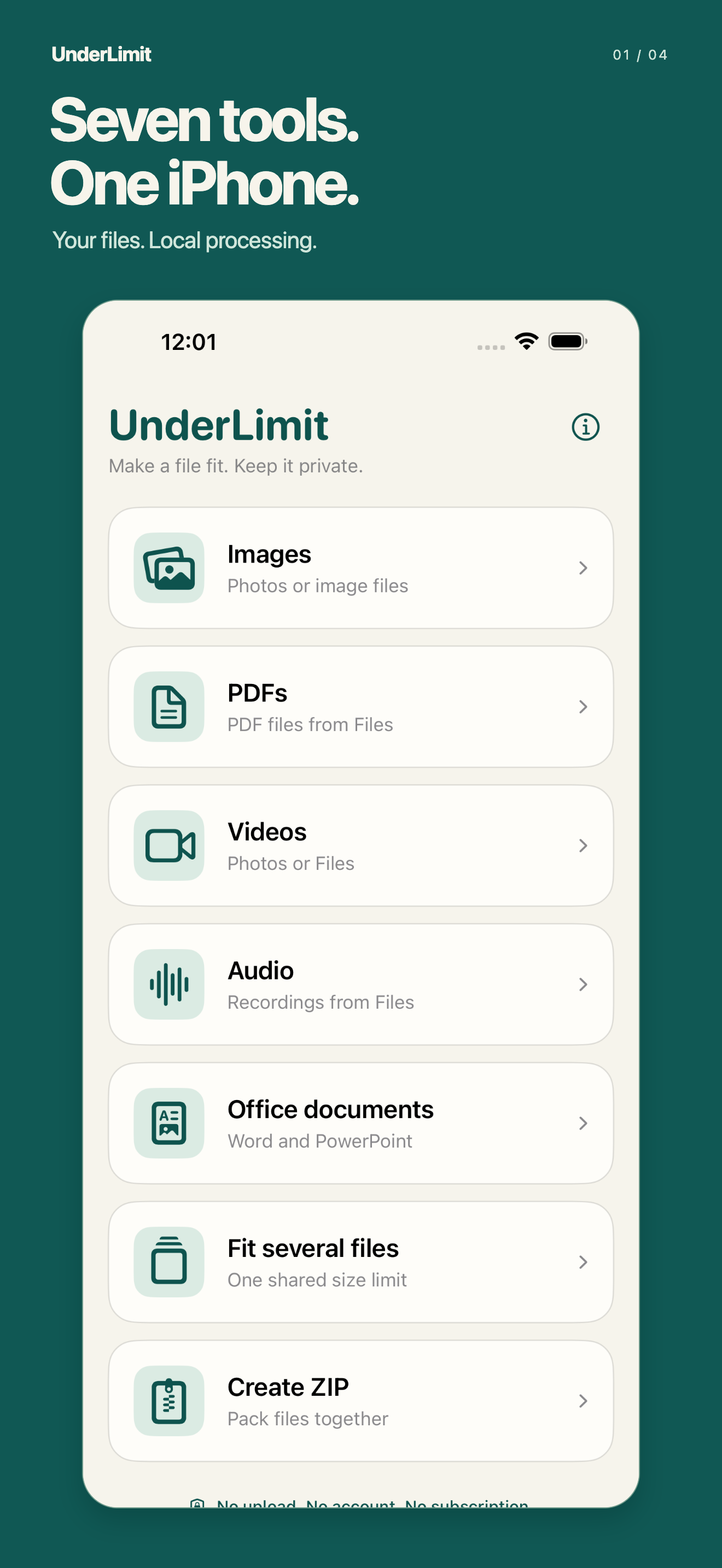
UnderLimit creates smaller copies on your iPhone. Seven tools cover images, PDFs, video, audio, Office documents and multiple files. Your originals stay unchanged.
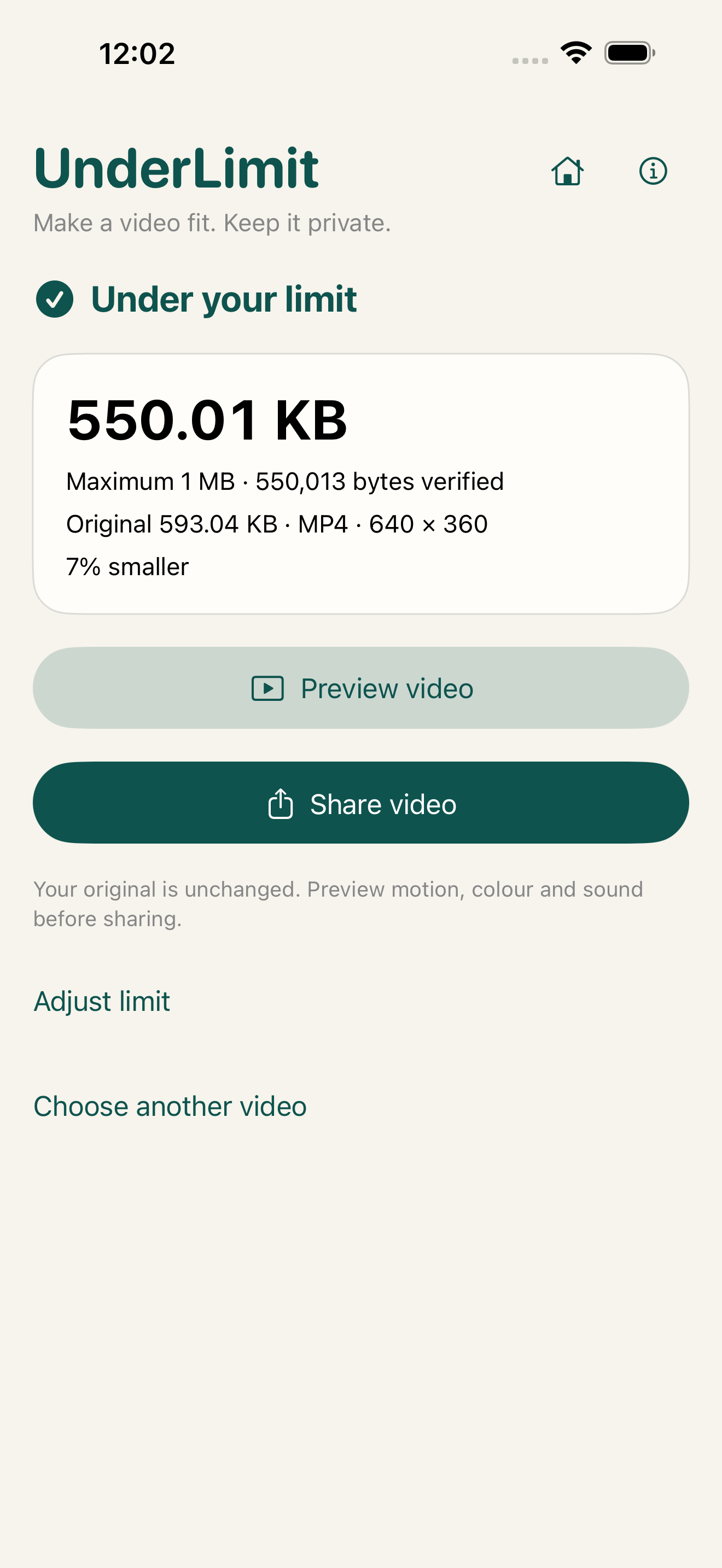
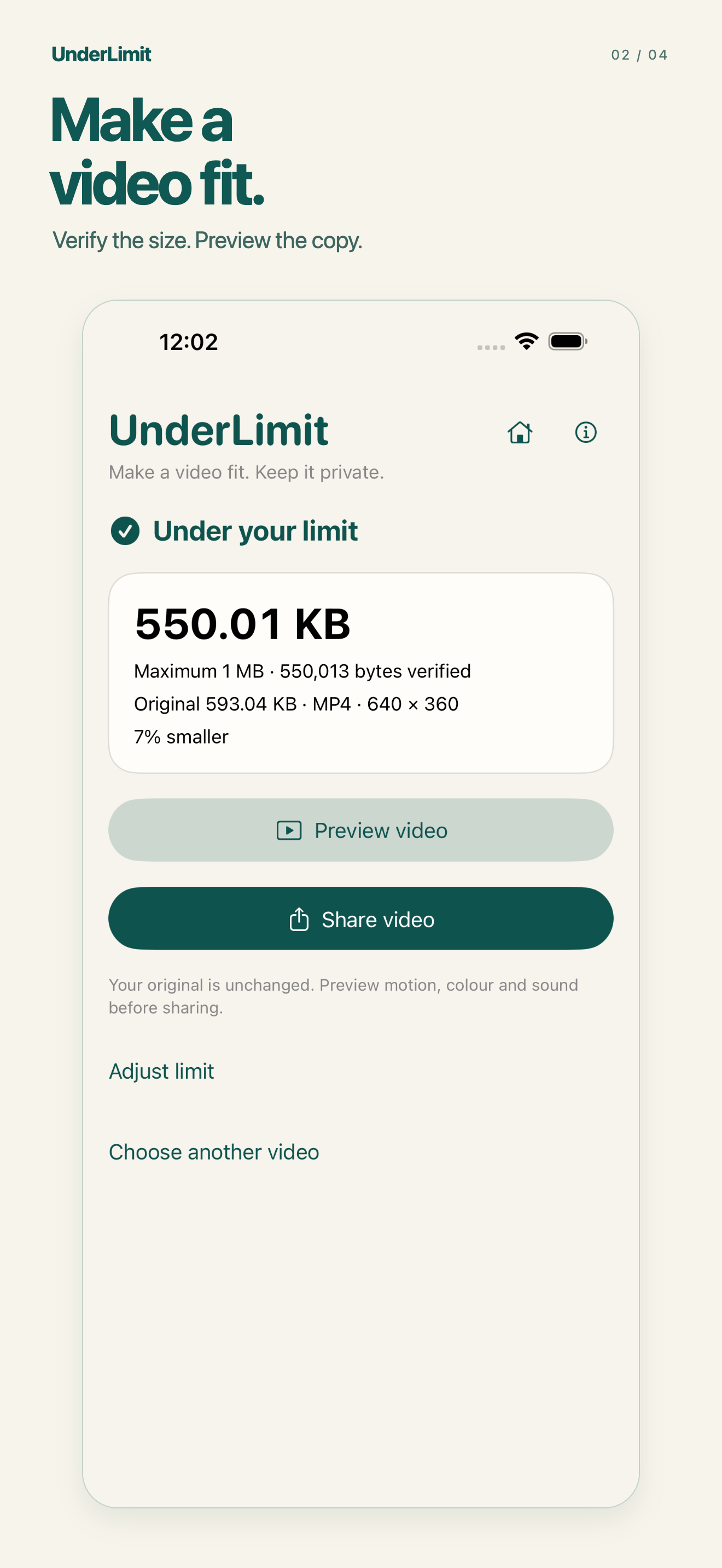
Choose a limit for a supported video. Compressed copies use standard-colour MP4, up to 1080p and 30 frames per second. Sound requires a compatible source audio track.
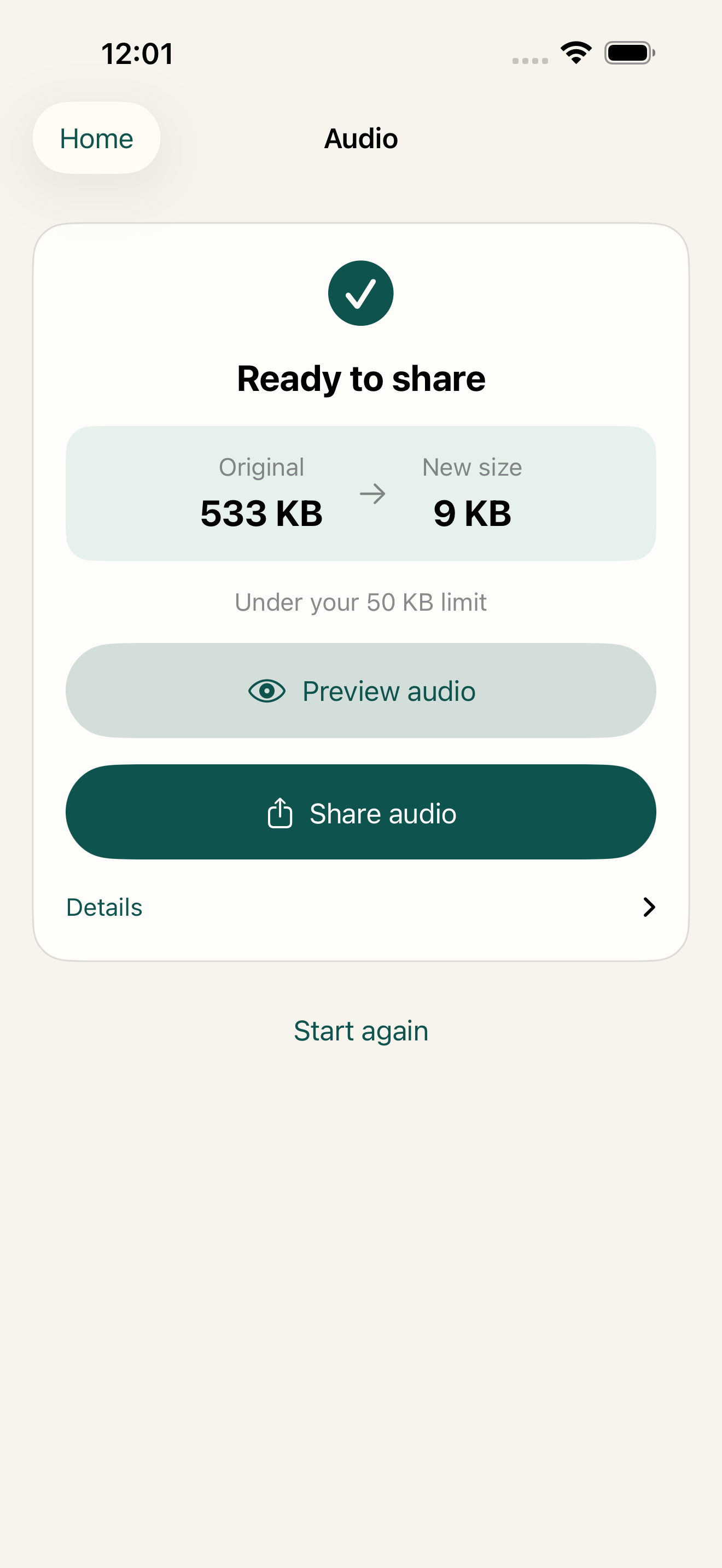
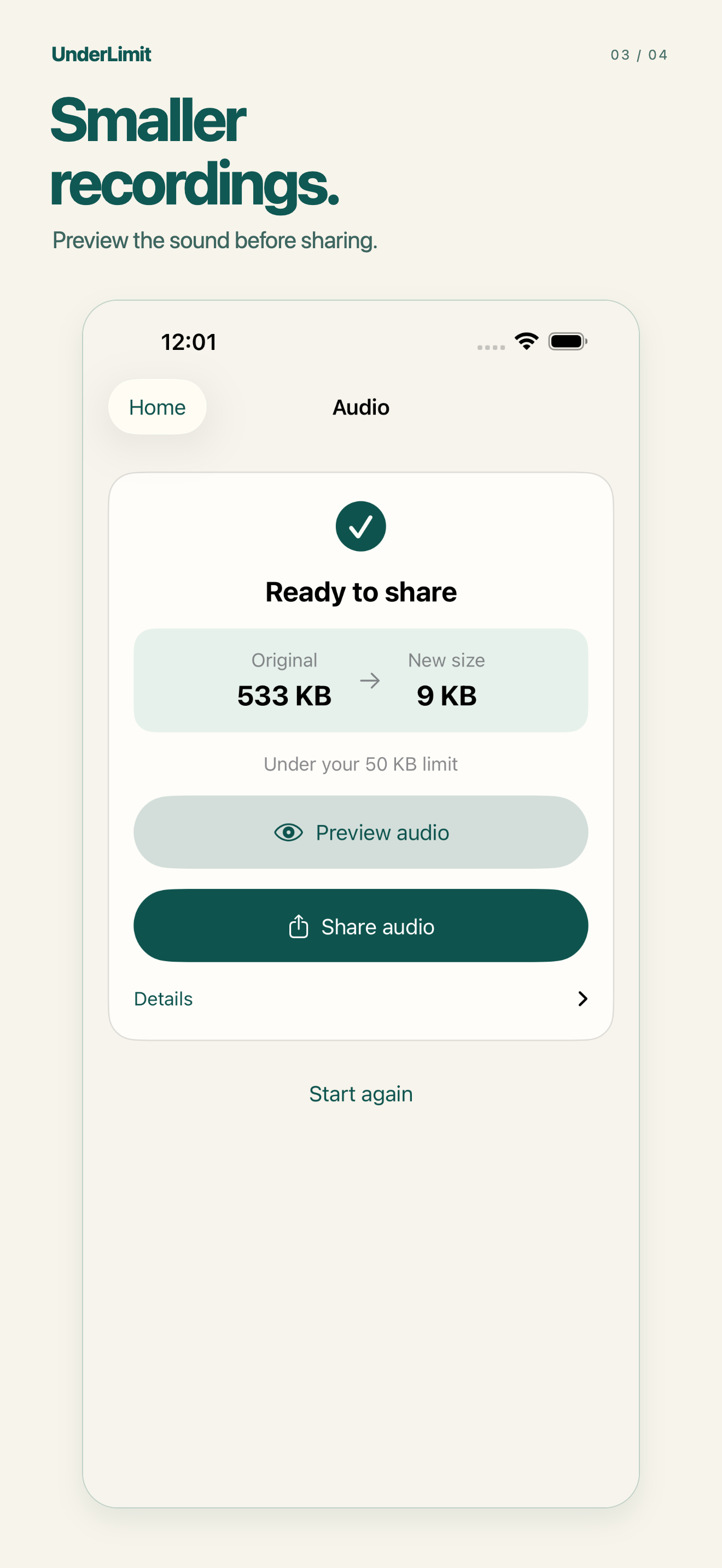
Reduce supported recordings from Files into M4A copies. Compare sizes, preview the sound and share. Smaller files can lose sound quality.
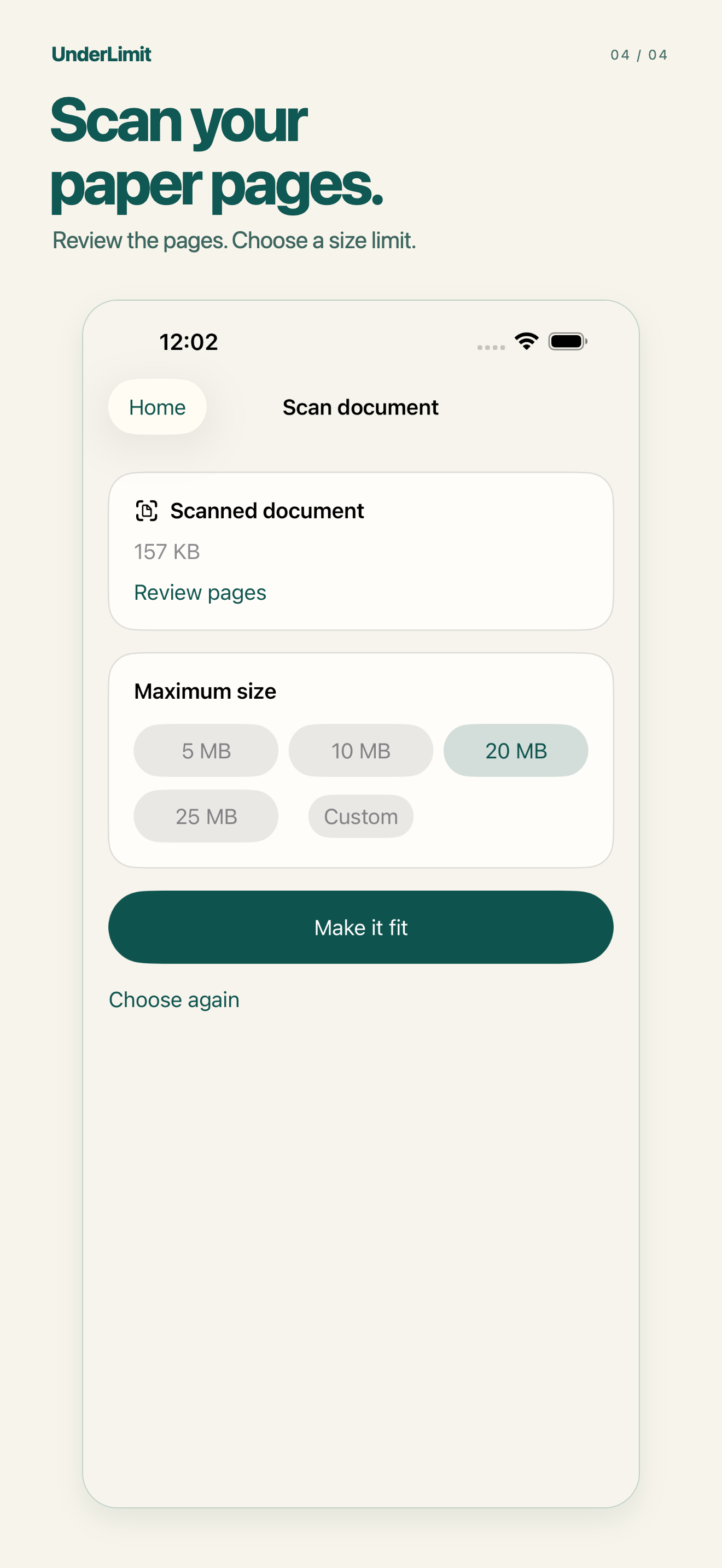
Scan up to thirty pages. You can also shrink or combine supported PDFs. Flattened copies lose searchable text, links, forms and interactive features, and may not work with VoiceOver. Review every page.
Office compression reduces supported embedded JPEG and PNG images, keeping text and document structure editable. Signed, encrypted and macro-enabled documents are not supported.
Fit several supported files to one combined size budget. Share them separately or in a ZIP. Create ZIP packages files without changing their contents; it does not promise a smaller file.
Processing happens locally. Cloud-provider files may need downloading through iOS first. Not every target is achievable. Keep your originals, preview your copies and choose when to share.